



Description
SPECIFICATIONS:
External Ports 01 |
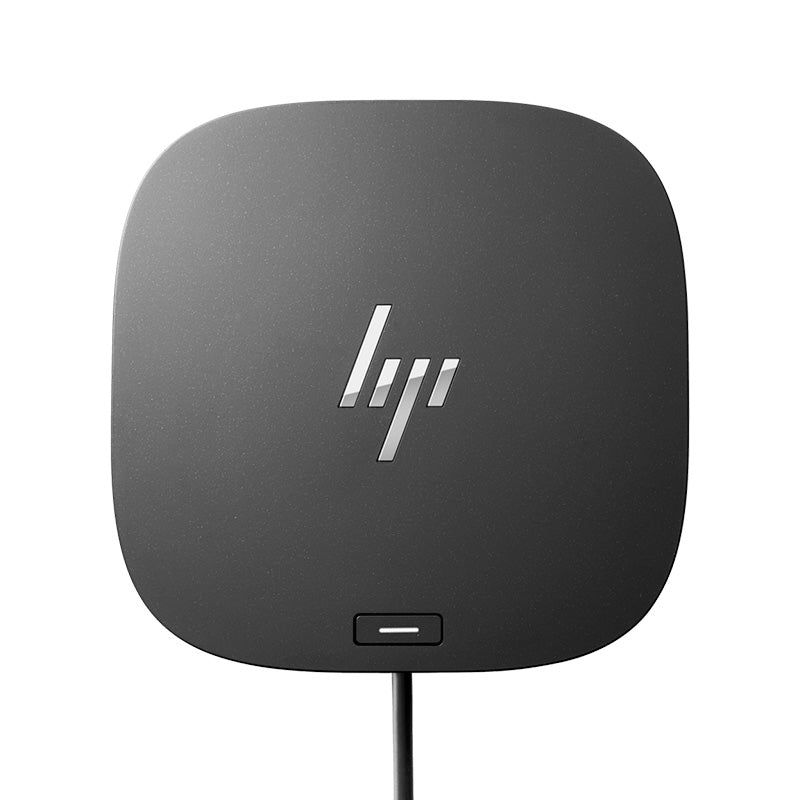
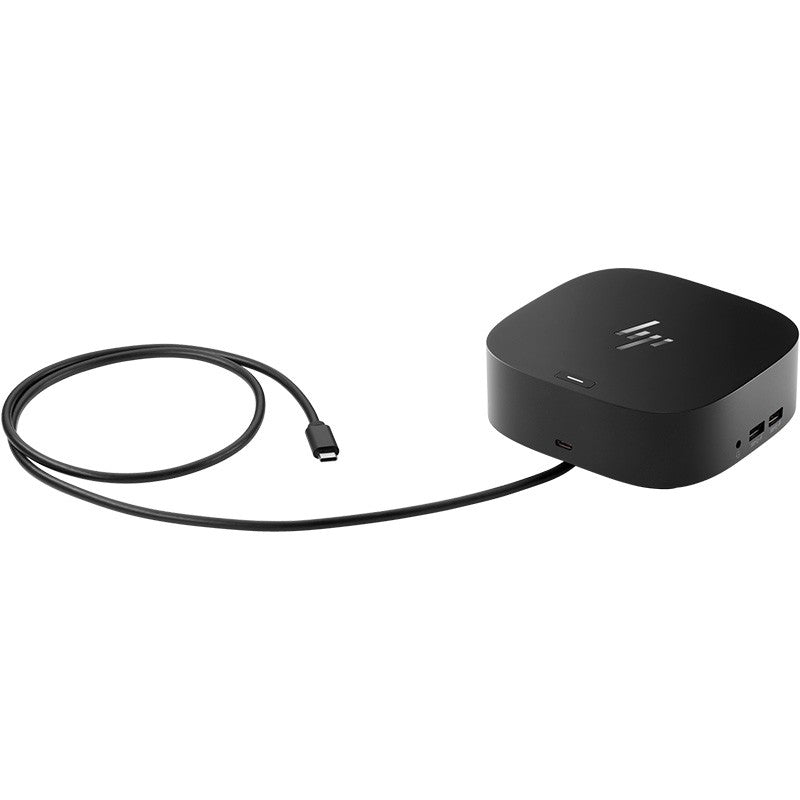
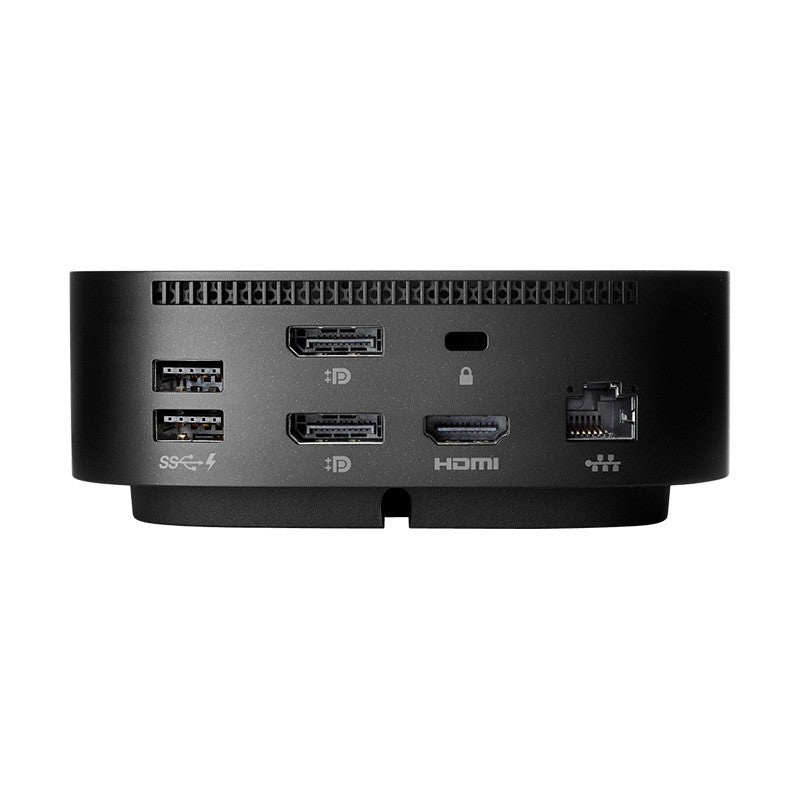
Front: 1 USB-C® port with data and power out (15W); 1 USB-C® cable to connect to host system Side: 2 USB 3.0 charging ports; 1 combo audio jack Back: 2 USB 3.0 charging ports; 2 DisplayPort™ ports; 1 RJ45 port; 1 HDMI 2.0 port; 1 standard lock slot |
Power supply |
Power to system: Up to 100W via USB-C® |
Security management |
1 Lock slot (side, lock is sold separately) |
Color |
Black |
Compatibility |
Compatible with HP laptops, MacBook® computers, and other laptops. |
Compatible operating systems |
Windows 10; Windows 11; macOS; Chrome OS™ |
Minimum system requirements |
USB Type-C®️ (USB Power Delivery, Alt Mode DisplayPort™) |
Dimensions (W X D X H) |
4.8 x 4.8 x 1.77 in |
Weight |
1.65 lb |
What's in the box |
HP USB-C® Dock G5 |
Notes |
* For USB-C® functionality, host PC must support the DisplayPort™ Alt mode protocol through its USB-C® port. Thunderbolt™-enabled notebooks will function at USB-C® speeds. Charging and port replication is supported on notebooks that have implemented USB-C® industry specifications. Power button to turn on or wake the system, on HP notebooks. HP does not provide Ethernet and audio drivers on Mac PCs. * Based on HP internal testing on select non-HP notebook models compatible with USB-C® industry standards. Certain Alt mode features are not supported, such as power button. Visit the HP Support page to determine your HP notebook's wattage and port specifications. Visit the support page of your non-HP notebook to determine its wattage and port specifications. * Capable of supporting all three display outputs at the same time. * Internet connection required and sold separately. Managed PC must be running Windows 10. |